 OverlayRemover
Remove text from an image
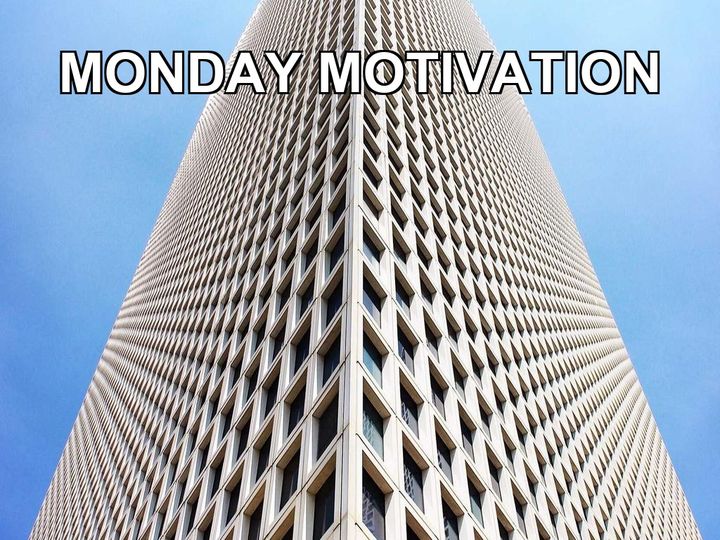
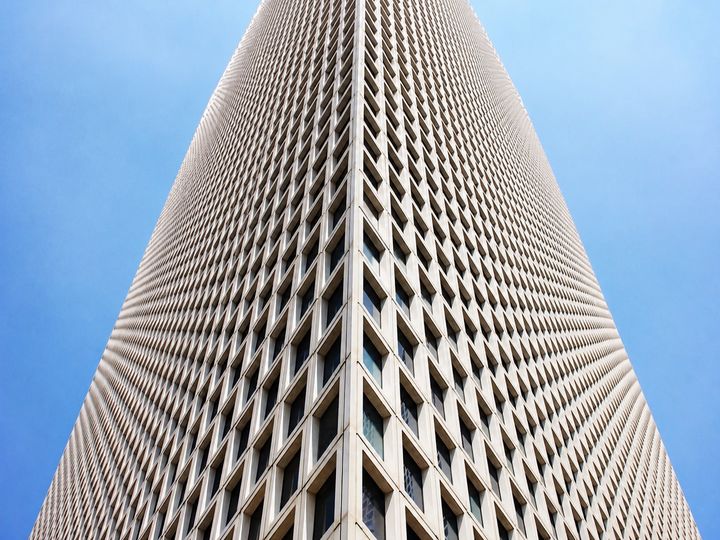
Upload the image at overlayremover.com and the text is gone in about fifteen seconds. The AI reconstructs what was behind the letters, so captions, titles, and added words disappear while the photo itself stays untouched. Two free removals a day, no account.
How it works
- Drop the image on the tool, or paste it from your clipboard.
- Check the preview, then click Remove overlay.
- Download the cleaned image in about fifteen seconds.
Common questions
Does it work on any text?
It removes text that was added on top of the photo: captions, titles, meme text, and labels. Text that is part of the scene itself, like a street sign, is kept.
What happens behind the letters?
The AI rebuilds the covered area from the surrounding image, so walls, sky, and patterns continue naturally where the text used to be.
What does it cost?
Two removals a day are free with no account. A $5.99 weekly pass adds 20 premium removals a week on the highest quality engine.